This comprehensive guide will delve into the nuances of using Google Maps in Japan, providing professional insights, practical tips, and essential information to ensure your journey is as smooth and enjoyable as possible. We’ll cover its strengths, potential limitations, and how to maximize its capabilities for an unforgettable adventure.
The Indispensable Role of Google Maps in Japan
For most international visitors, Google Maps quickly becomes their primary navigation app. Its user-friendly interface and robust features make it a powerful ally, especially when faced with foreign languages and unfamiliar street signs. In Japan, its utility is amplified by several key factors.
Navigating Japan’s World-Class Public Transportation
Japan boasts one of the most efficient and extensive public transportation systems globally, dominated by its intricate network of trains and subways. Google Maps excels here, providing highly accurate and timely information for these modes of transport.
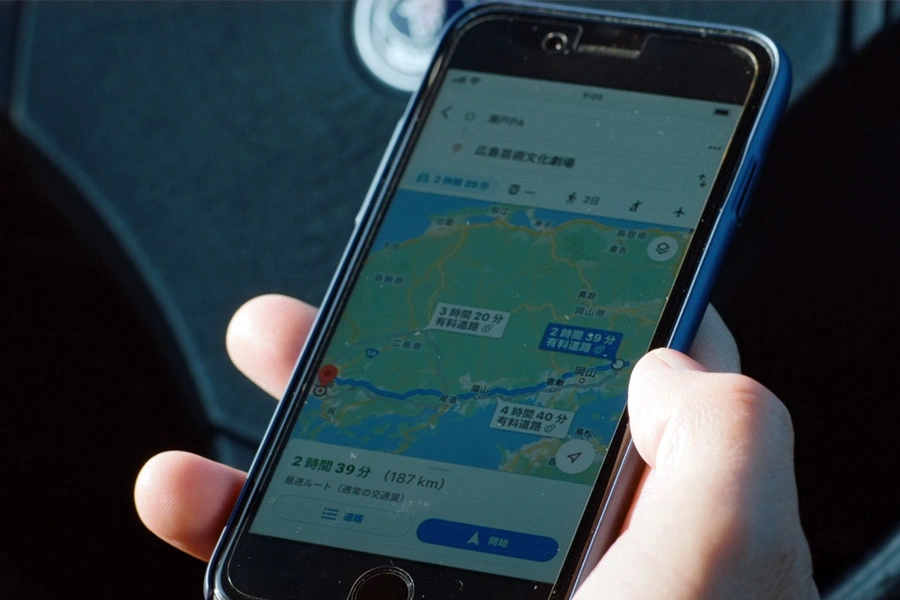
When you search for directions, Google Maps typically offers multiple route options, detailing travel times, transfer points, platform numbers, and even fare estimates. This feature is particularly invaluable given the sheer number of lines and operators, making complex journeys manageable.
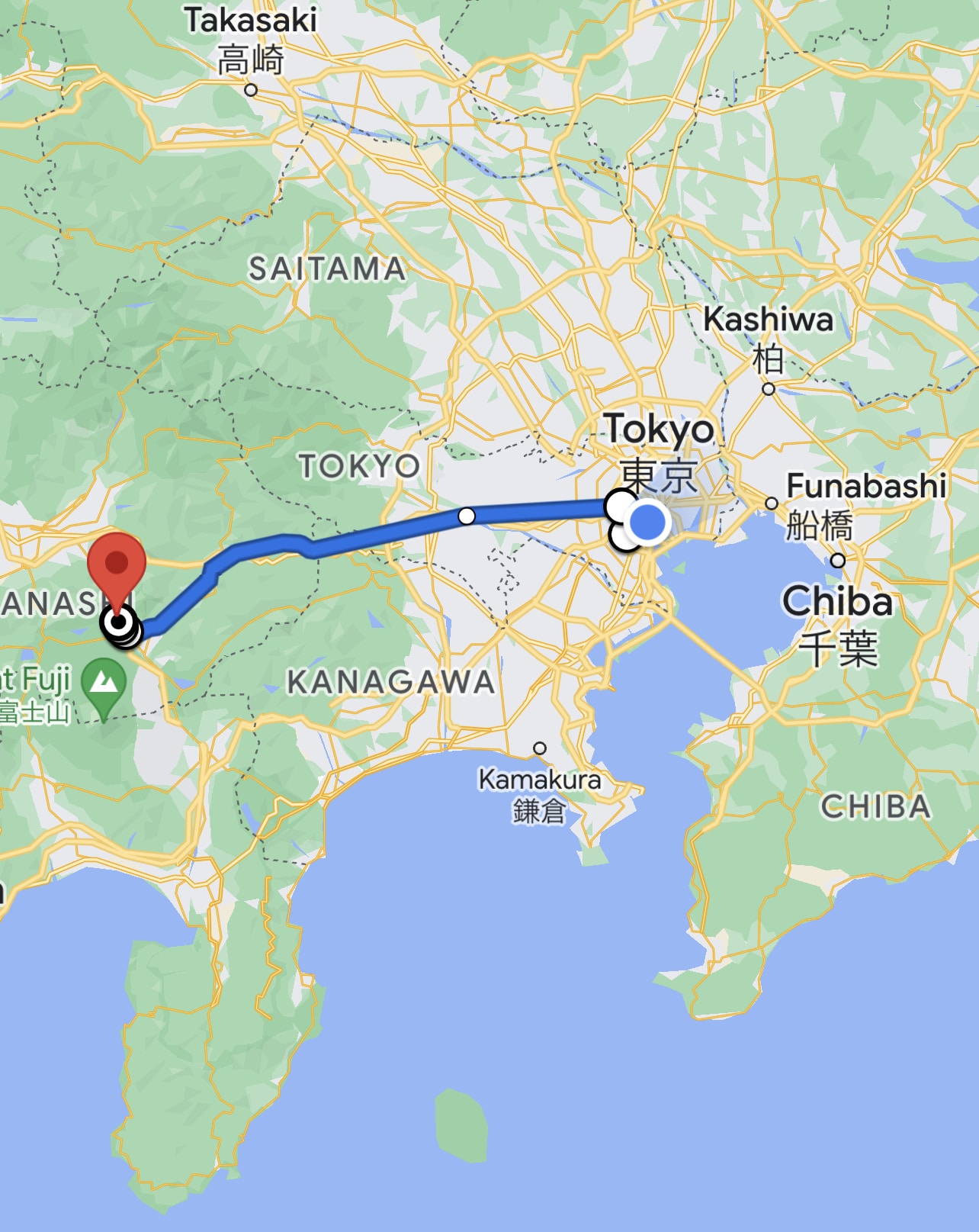
It integrates data from major operators like JR (Japan Railways), Tokyo Metro, Toei Subway, and various private railway companies. This comprehensive coverage means you can reliably plan journeys across cities and even between regions.
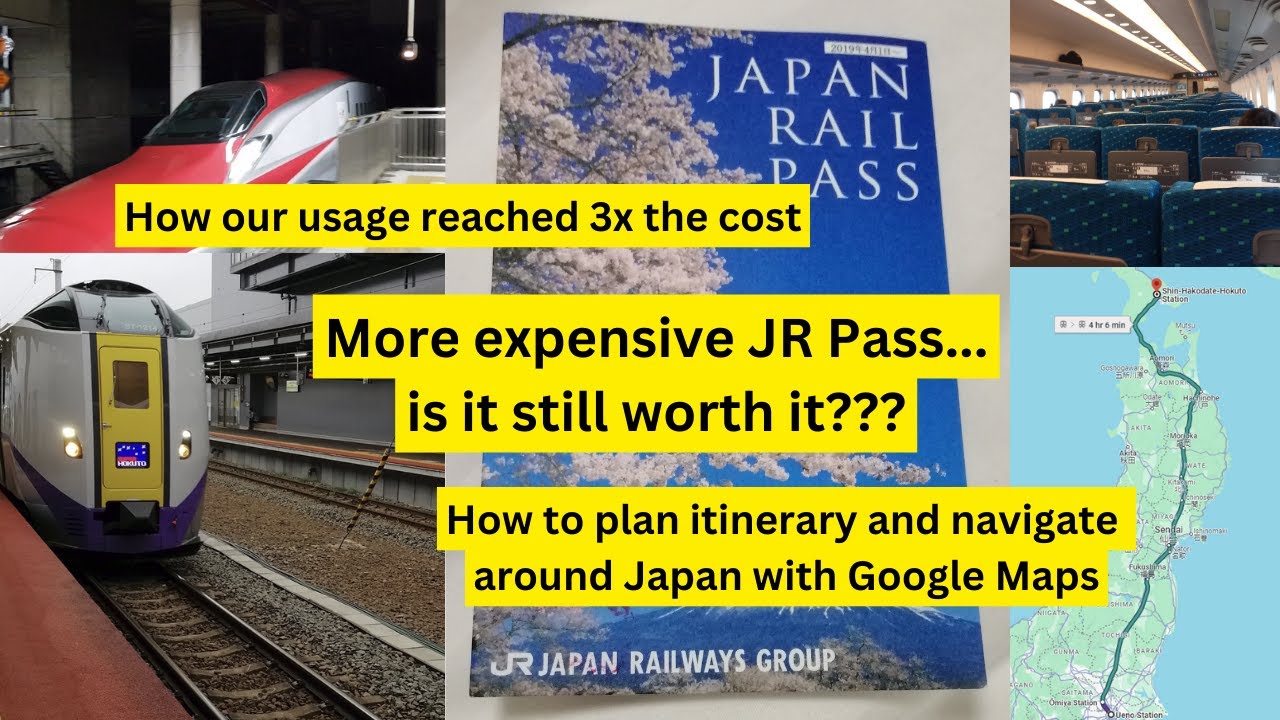
One crucial tip: Pay attention to the train type (e.g., Local, Rapid, Express, Limited Express). Google Maps usually specifies these, which can significantly impact travel time and whether your JR Pass is valid.
Seamless Walking and Cycling Directions
Exploring Japan often involves a good amount of walking, especially within city centers or between attractions. Google Maps provides precise walking directions, complete with estimated times and clear visual cues. Its Street View feature is also a fantastic resource for orienting yourself before you even leave your hotel.
Cycling is also gaining popularity, and Google Maps offers dedicated cycling routes, though infrastructure can vary. Always exercise caution and be aware of local traffic laws if you choose to cycle.
Finding Points of Interest (POIs) with Ease
From locating the nearest convenience store (konbini) to finding specific restaurants, museums, or hotels, Google Maps’ POI search function is incredibly robust. You can search by category, name, or even specific keywords, and it often provides:
- Opening hours
- Contact information
- Website links
- User reviews and photos
- Accessibility information
This makes it an excellent tool not just for navigation but also for discovery and planning your daily itinerary on the go. Many local businesses are well-represented, often with Japanese and English names.
Optimizing Your Google Maps Experience in Japan
Ensure Constant Connectivity
Reliable internet access is paramount. While free Wi-Fi spots are available, they are not ubiquitous. Investing in a pocket Wi-Fi device or a local data SIM card is highly recommended. This ensures you have real-time updates and access to all Google Maps features without interruption.
Download Offline Maps
Even with excellent connectivity, downloading offline maps for the regions you plan to visit is a smart backup strategy. This allows you to navigate without an internet connection, saving data and providing peace of mind in areas with patchy signal.
Understand Japanese Addresses
Japanese addresses can be complex, often structured by prefecture, city, ward, district, block, and building number. Instead of typing the full address, it’s often more effective to search for:
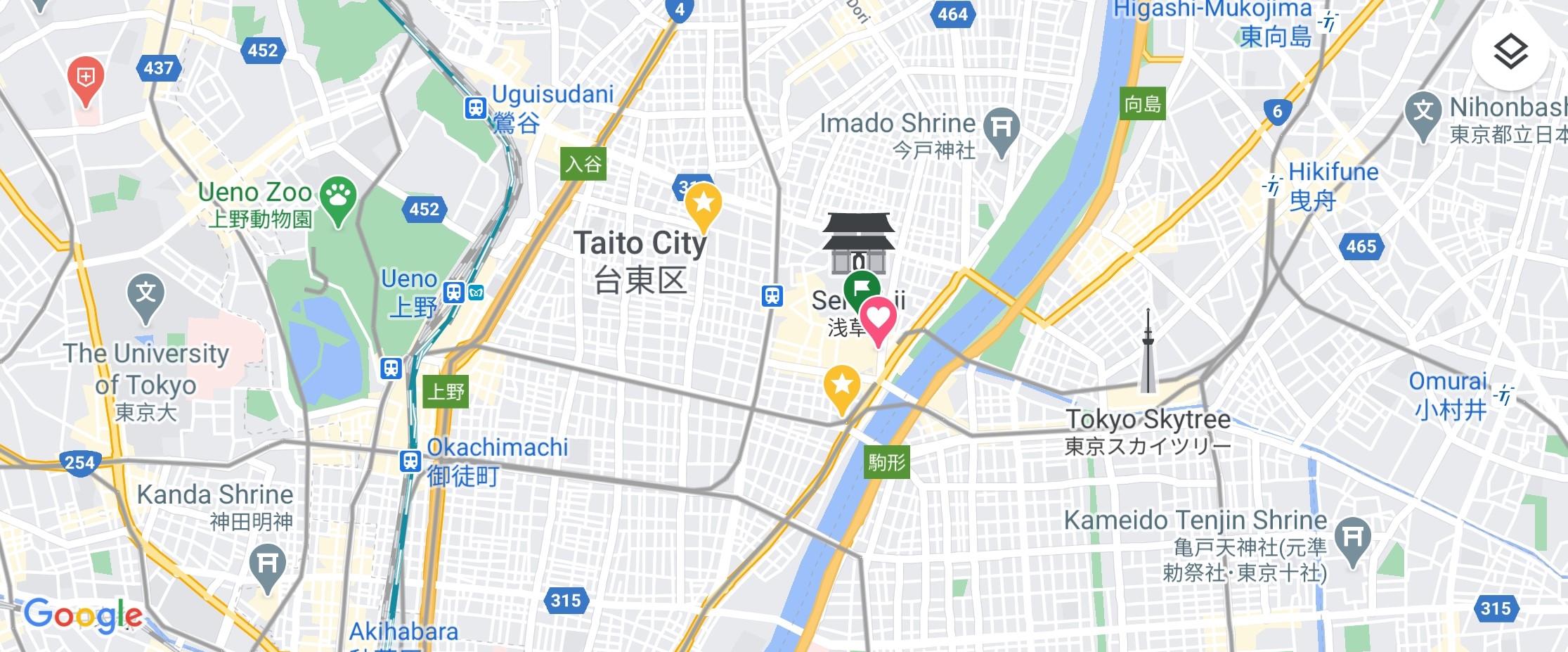
- The specific name of the attraction or establishment (e.g., ‘Senso-ji Temple’)
- The nearest train or subway station
- A major landmark nearby
Google Maps is usually smart enough to pinpoint locations accurately even with partial information or English names.
Utilize Station Names and Exits
Japanese train stations are often massive, with multiple exits. Google Maps typically indicates the most convenient exit for your destination. Pay close attention to these exit numbers, as choosing the wrong one can lead to a significant detour.
Leverage Street View for Pre-Trip Planning
Before visiting a new area, use Street View to familiarize yourself with the surroundings of your hotel, specific attractions, or complex station exits. This visual reconnaissance can save valuable time and reduce stress upon arrival.
Google Maps vs. Local Alternatives: When to Use What
While Google Maps is powerful, some local apps offer specialized features that can complement your navigation strategy.
Japan Transit Planner (Jorudan / Navitime)
Apps like Jorudan and Navitime are highly regarded by locals and frequent travelers. They sometimes offer even more granular detail on train types, platform changes, and may be slightly more accurate for very complex inter-city routes or specific private lines. If you have a JR Pass, these apps often have filters to show only JR lines, which Google Maps does not inherently offer.
For most tourists, Google Maps is sufficient, but if you’re a rail enthusiast or embarking on a very intricate journey, these specialized apps can be a valuable second opinion.
Apple Maps
Apple Maps has significantly improved its coverage and accuracy in Japan. For iPhone users, it can be a viable alternative, offering similar public transport integration and POI search. However, Google Maps generally maintains an edge in user-friendliness, review depth, and real-time data updates.
Common Challenges and Solutions
Bus Navigation: While Google Maps provides bus routes, understanding specific bus stops and boarding procedures can sometimes be trickier than trains. Always double-check the stop name on the bus itself.
Pronunciation: If you need to ask for directions, showing the Japanese name of a place on Google Maps (which it often provides) to a local is usually more effective than attempting pronunciation.
Language Barrier: Google Maps does a good job, but some smaller, very local establishments might only have Japanese listings or reviews. Use Google Translate’s camera function in conjunction if needed.
Beyond Navigation: Discovering Japan with Google Maps
- Restaurant Reviews: Read reviews from locals and tourists, browse menus (often with photos), and filter by cuisine, price, or rating.
- Local Insights: Discover hidden cafes, shops, or parks that might not be in traditional guidebooks.
- Saving Places: Create custom lists of ‘Want to Go’ or ‘Favorites’ to easily organize your itinerary and revisit cherished spots.
- Business Hours: Always double-check operating hours for attractions, shops, and restaurants, as these can vary significantly and change unexpectedly.
Conclusion: Your Ultimate Travel Partner
In conclusion, Google Maps is an absolutely essential tool for anyone traveling to Japan. Its unparalleled public transportation routing, accurate walking directions, and extensive POI database make it an indispensable travel companion.
While it’s wise to be aware of its minor limitations and consider complementary apps for highly specialized needs, for the vast majority of visitors, Google Maps will effortlessly guide you through Japan’s vibrant cities and serene landscapes.
By following the tips outlined in this guide – ensuring connectivity, downloading offline maps, and understanding its features – you’ll unlock a seamless and enriching travel experience, allowing you to focus on the beauty and wonder that Japan has to offer.
Embrace this powerful tool, and prepare for an unforgettable journey through the Land of the Rising Sun.